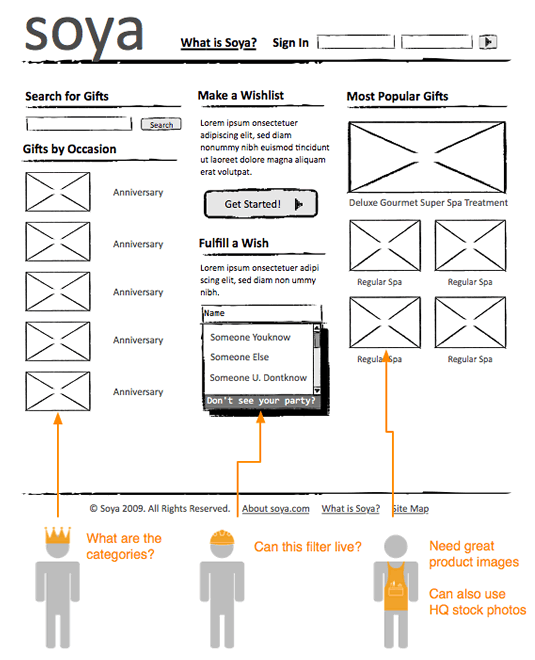
MicroPersonas
Wednesday, January 23rd, 2013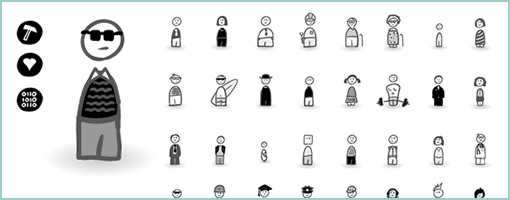
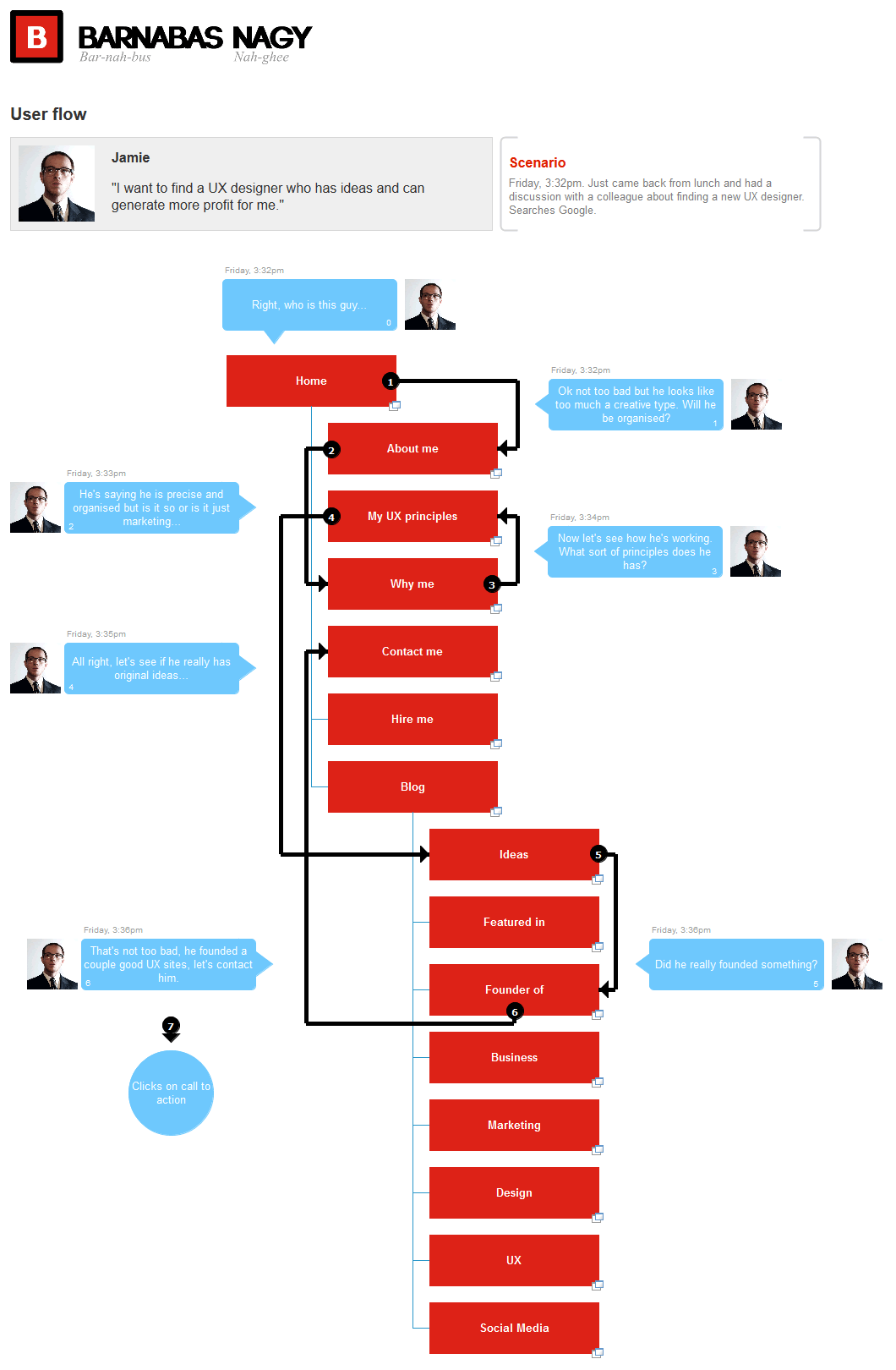
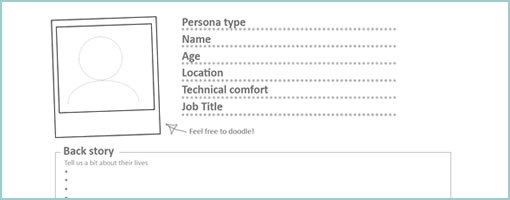
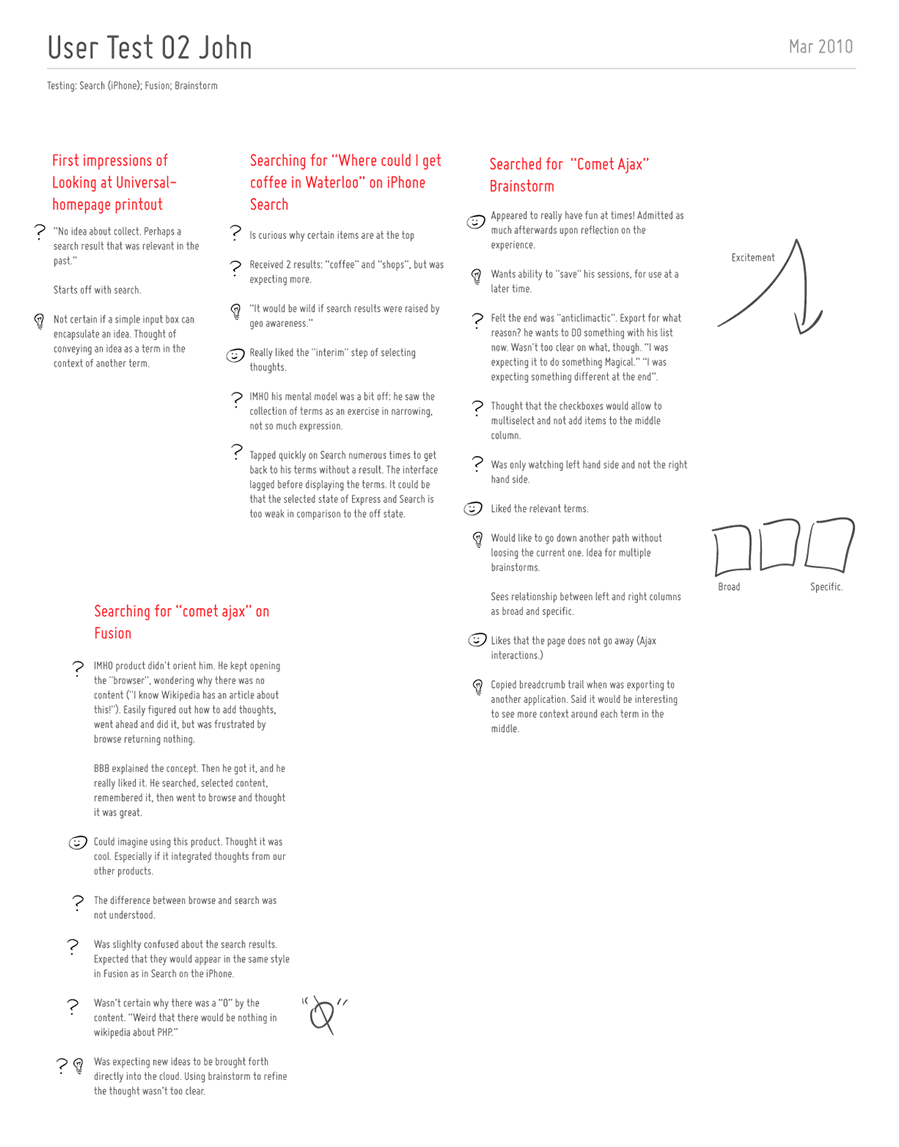
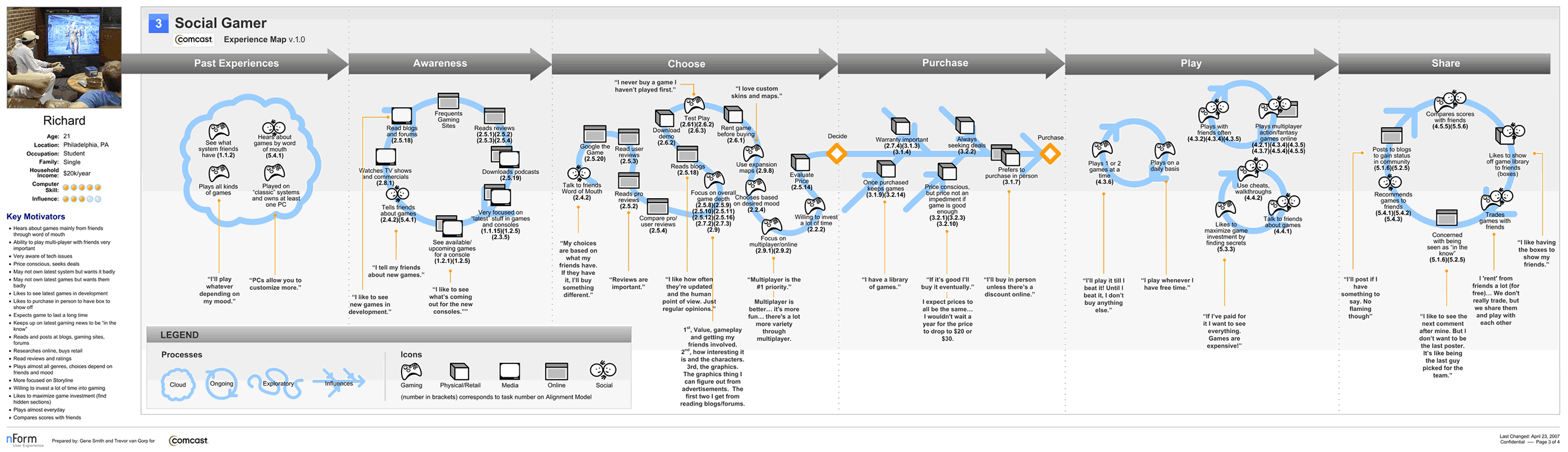
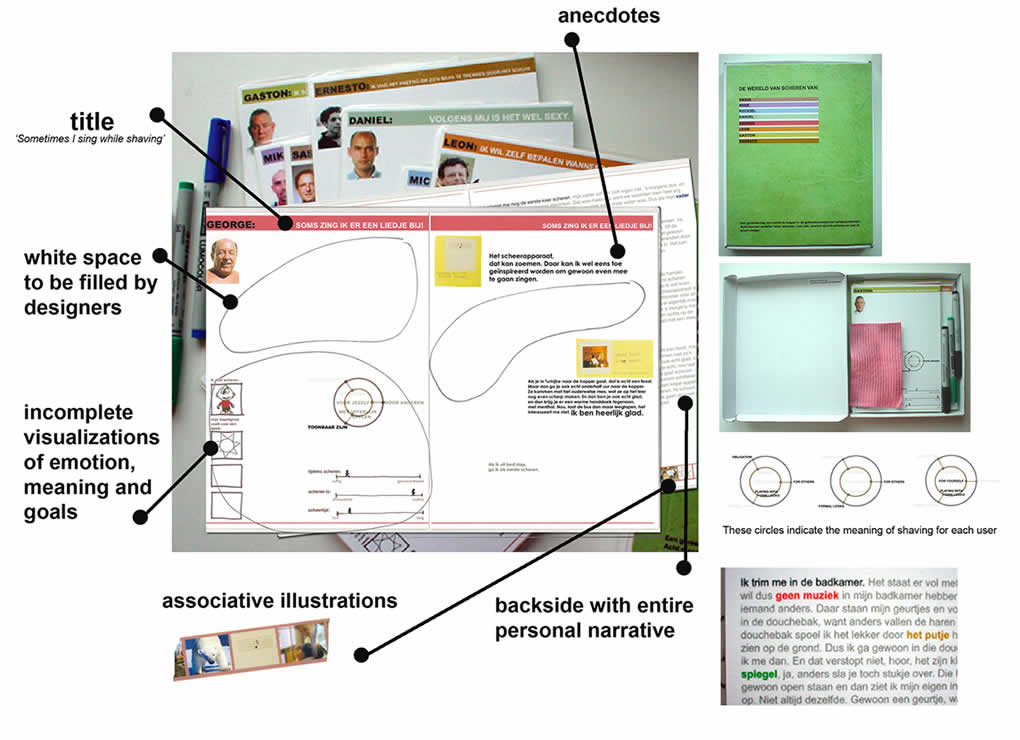
MicroPersonas is a new icon set that I just came up with for building and using quick persona like characters in your interaction design deliverables. The set is founded on the belief that personas should be generated rapidly with only those characteristics that can be used to influence or inspire design action. If personas are to be leaner, more concise and live closer with interface sketches (without being lost in separate documents) then this is a materialization of that type of thinking and a step toward lighter documentation.
The set comes with 40 sketched style characters and 9 characteristics (beliefs, habits, comments, triggers, tools, needs, problems, data, and artifacts) setup in .AI (Illustrator) and .PNG (Fireworks) formats.
Purchase and download it at www.linowski.ca/micropersonas for $29. Enjoy …
Credits: Jakub Linowski (Twitter)