Posts Tagged ‘HTML’

User Type Views & Annotations with Polypage

Friday, February 13th, 2009


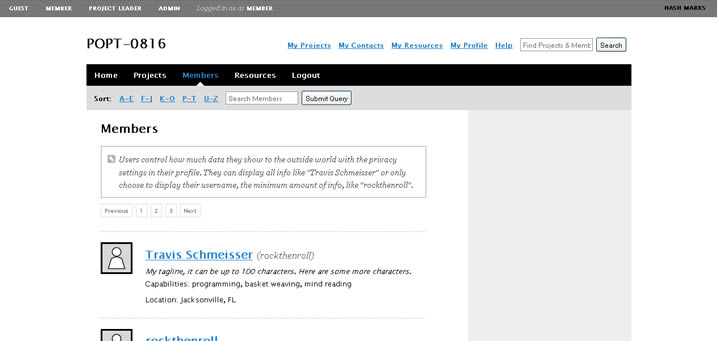
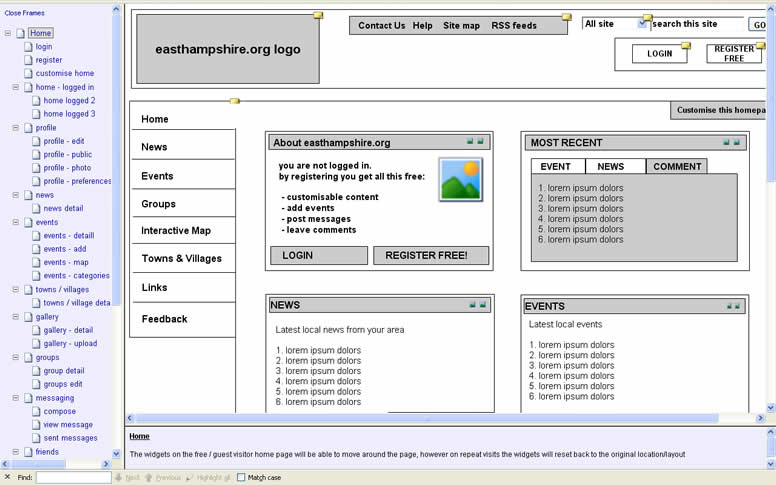
Here is another very good Polypage HTML wireframe submitted by Joey Marchy from nGen Works. Two interesting uses of Polypage make themselves visible in this sample. First, on the upper left hand side, all of the various user types have been defined. Toggling them gives a good sense of what all of the various wireframes will look like for that particular user. Secondly, Polypage has also been used to annotate the wireframes and this is accessible through the upper right corner by means of such tags as “user roles” and “hash marks”. The really nice thing about this annotation technique is that no longer are the actual annotations separated somewhere in the right hand side from the main wireframe, but instead are contextualized right in the wireframe itself. This allows people reviewing the wireframe to read the annotations quicker as opposed to having to translate number references into actual notes, as it is done traditionally.

Joey writes:

We created a functional HTML prototype to accomplish two goals: get client signoff on all application interaction and provide a roadmap for the development team building the application. We used a combination of PHP and the awesome Polypage jQuery plugin to show the myriad of states between differing user levels and application states.

Credits: nGen Works

960.gs Grid Based Prototypes

Monday, February 9th, 2009

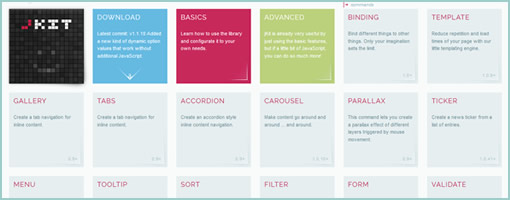
Just found a nice HTML prototype sample using the CSS 960 Grid System. The CSS grid allows to align elements more easily across pages. Although it can be said that the technique is perhaps more useful for developers, some people also use it to create wireframe prototypes. In addition, Mushabar Iqbal also ported the fluid grid to a jQuery template allowing for smoother template interactions. Adam Hawkins explains how to use the 960 CSS Grid System for interactive prototyping, but at the same time warns of the inflexibility and rigidness of such an approach. Apparently, once the grid foundations are laid down and multiple pages start making use of it, it becomes more difficult to adjust the grid. Finally, a Twitter follower (wrenbjor) also provided me with a nice and elaborate list of even more tutorials on the 960 grid.

Credits: Lachy Groom

Interactive Axure Prototype

Sunday, February 1st, 2009


Jim just sent me a very nice and developed sample of an interactive HTML prototype done in Axure. The prototype is clickable and provides a richer understanding of what happens from screen to screen. As a standalone document however, in order for someone to understand this sample they are left alone with exploration as the means to do so. So for user testing and walk through situations this works out nicely, but what about if we wanted to send this to someone else for review and have the sample communicate use on its own without the designer being present? I am now wondering if it would be useful to overlay some sort of scenarios to guide first time viewers of the sample about the most important flows. Just a thought. Jim also sent me a link to a comparison between the prototype and the final product.

He writes:

We used Axure RP for creating these interactive wireframes which we tested volunteers on, to see whether they understood the ‘flow’ of the intended site. Using Axure made it clear for the client to understand what they were getting delivered, and also to see whether we had interpreted the ‘mental model’ correctly from earlier card sorting excercises:

Credits: Jim Callender

State Based HTML Wireframes with Polypage

Saturday, January 17th, 2009


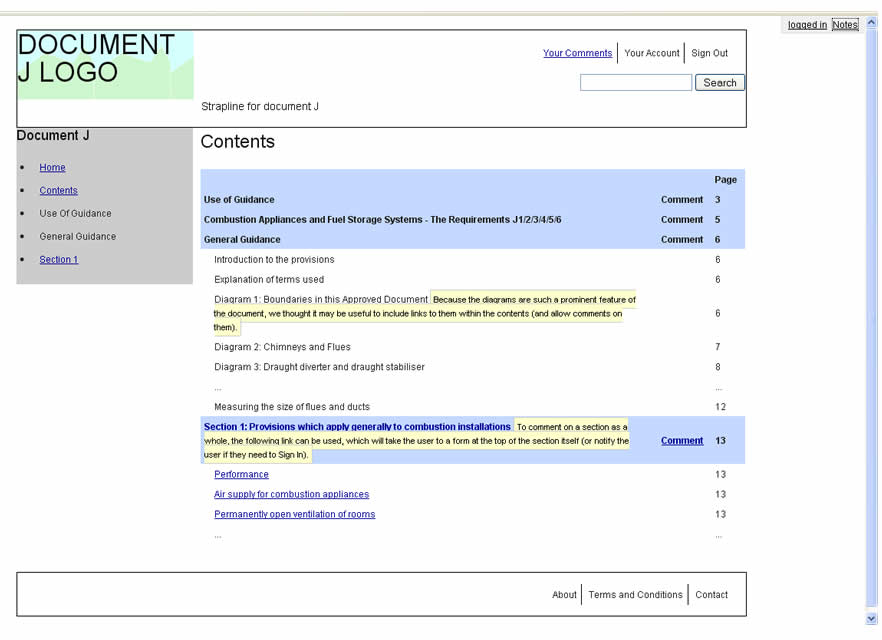
Ben pointed me to an interesting set of HTML wireframes which use Polypage. Polypage expands HTML wireframes or mock-ups and allows for the creation of page states. Furthermore, the various states are independent of each other and can be toggled on a small top menu to affect the page view. Say for example you want to show your wireframes to your client in the “logged out” and “first time visit” states. Polypage allows you to click through all your wireframes to demonstrate such a case. Later on when you decide to demonstrate the “logged in” state, all you do is toggle it in the top menu and continue your presentation.

The technique was initially developed at Clearleft, and Richard Rutter explains how to use it better. Here are two more sets of wireframes using this technique which contain more page states to explore.

As a side note, here is also an interesting debate as to whether these things are wireframes or prototypes.

Credits: Ben Sauer