Archive for the ‘Samples’ Category

Experience Maps

Wednesday, February 24th, 2010


An interesting depiction of user experience has surfaced the other week over at the nForm blog in the form of an experience map. Gene and his team has come up with a way to represent gaming related experiences of three distinct gamers. In a way then this is a merger between a persona and a time based representation. The other interesting thing about this is the visualization and separation of at least three types of experiences: ongoing, exploratory and influenced. Each type of experience has been shown in a standardized and specific way. Furthermore, the diagram also captures and represents a variety of channels which the personas are utilizing at a given point in time. Overall, it’s always interesting to see when designers attempt to convey such comprehensive and unified high level deliverables.

Credits: Gene Smith of nForm

Use Case Maps

Friday, February 19th, 2010


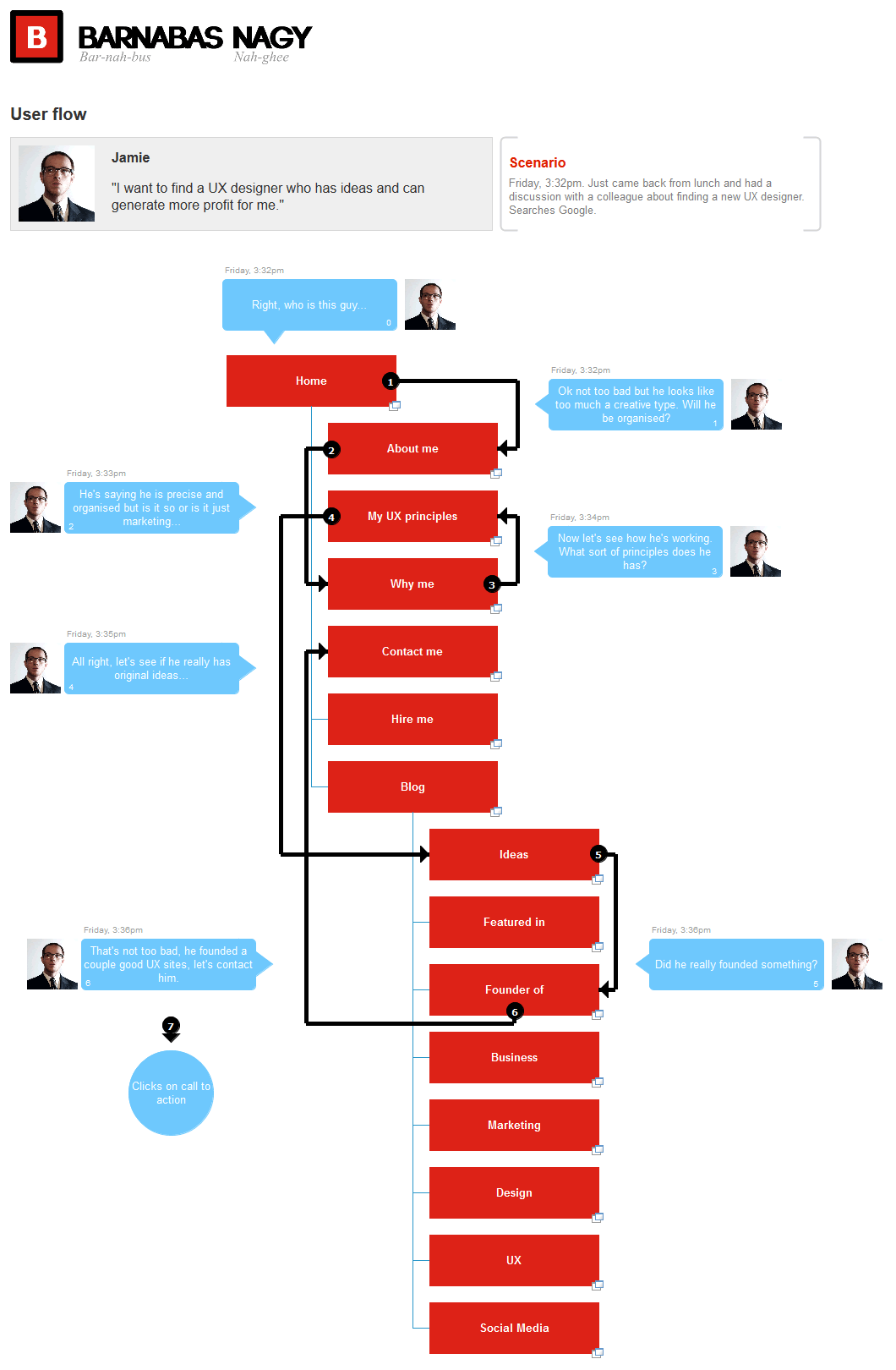
Speaking with Greg the other day I learned about Use Case Maps. This notation which has been initially the work of Raymond Buhr, has its roots in software engineering and perhaps could be an area to draw inspiration from. Use Case Maps intend to convey sequences of events by showing the paths of users over a backdrop of structured system representations. With these flexible scenario-like visualizations, software engineers ensure that the element of time is considered. As part of the notation, Use Case Maps have starting and stopping points and can also branch out. It seems like Daniel Amyot has contributed to this work as well and has published a decent Quick Tutorial with a reference guide at the end. In a nutshell, here is what Daniel writes about the philosophy of UCM:

The Use Case Map notation aims to link behavior and structure in an explicit and visual way. UCM paths are first-class architectural entities that describe causal relationships between responsibilities, which are bound to underlying organizational structures of abstract components. These paths represent scenarios that intend to bridge the gap between requirements (use cases) and detailed design.

Credits: Raymond A. Buhr & Daniel Amyot

Gesturcons: Touch Pack 1.0

Tuesday, February 16th, 2010


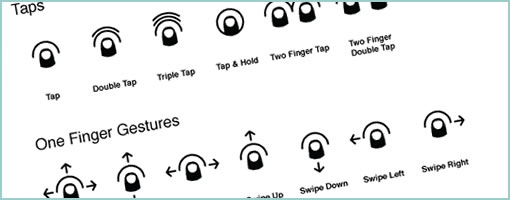
Ron has recently initiated a project with the intention of creating a visual language for representing gesture based user actions. He shares the belief of “gain[ing] common grounds when discussing interactions” and has just released the Gesturcon Touch Pack under a Creative Commons Attribution-Noncommercial-No Derivative Works 3.0 United States License. The zipped file contains EPS, PNG and Illustrator files for your use. His approach supports such interactions as taps, holds, double taps, flicks and is achieved with circular shapes. @vitorious also threw the idea of combining this with my own notation. Hmm, pretty cool.

Credits: Ron George

Tablet + Illustrator: the Case for Electronic Sketching

Thursday, February 4th, 2010


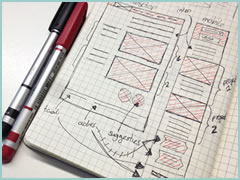
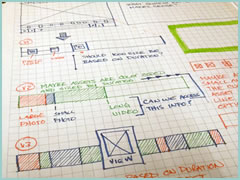
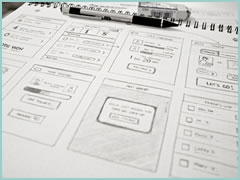
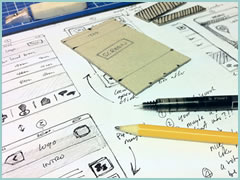
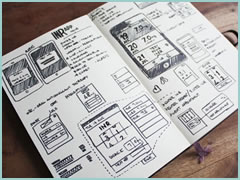
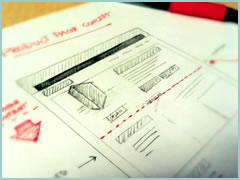
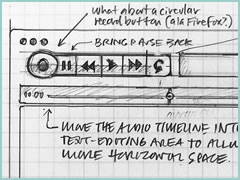
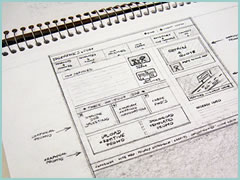
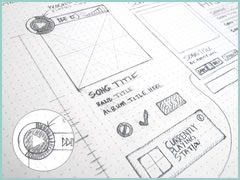
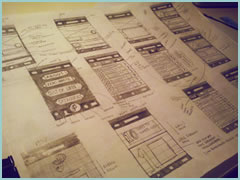
It’s probably nothing new that the sketch has been gaining quite some attention lately as a powerful design tool. Some UI designers have began to precede wireframing and prototyping with free-form pen and paper approaches that afford exploration and support a wider diversity of ideas. For over a year now, in my design process I’ve started doing just the same right after I picked up a set of markers and sketch pads. Looking back, sketching has been wonderful at giving rise to design representations that naturally act as conversation starters and therefore make sketching more so compatible with agile philosophies. However, traditional pen and paper has a few limitations which over the last few months became noticeable. As a reaction to this, I grabbed an Intuos 3 from Wacom, installed Adobe Illustrator and began sketching electronically using a pen and tablet. Finding the new approach superior, I have doubts I’ll ever go back to paper and wanted to share some of the reasons why.


Scaling

Like it or not, design ideas need to scale over time and good tools provide room for such growth. One thing that I love about Illustrator (which paper lacks of course) is that the art board or workspace can be stretched as needed whenever concepts need the extra room. The flexibility to resize the canvas is a really great feature especially during early ideation when multiple screens need to be shown together to tell a meaningful story. On the same note, another way Illustrator excels is in terms of a scalable fidelity. Whereas early on in a project the amount of detail might be small, over time however, the fidelity of an electronic sketch has the potential to develop. In a vector environment it is super easy to take a small UI sketch, stretch it to a larger size, and inject more detail inside of it.

Ease of Editing

Yes, in the real world we have pencils, erasers and the ability to redraw or correct our sketches to some degree. We can however only correct our paper sketches somewhat before they becomes unreadable. This isn’t the case with anything electronic or digital where cutting, deleting, undoing, redoing, erasing is second nature. A very common scenario is to draw different screens and only learn eventually that it makes sense for the two or three screens to be placed together – something that is very easily done by reorganizing or repositioning on the computer. Another superb thing about Illustrator is the ability to select a line and just redraw it, causing it the take on the new form. This of course can be done an unlimited amount of times in an electronic tool.

Legibility

Although this might not be the case for everyone out there, I personally find that my hand writing is very hard to read. Unless I spent extra care and time to write legibly, I find that on the computer it is way easier and quicker to type out text that can be read by others.

Carelessness

When I am about to sketch on paper, knowingly that it will be harder to undo, I hold myself back and think twice before the ink or lead leaves a mark. This slow down or inefficiency can be easily overcome in the electronic world with a tablet pen. When I sketch electronically, this worry disappears as I know that I don’t have to generate the right ideas, but instead can easily correct myself if something needs adjusting. This careless quality of electronic sketching brings forth immense value by affording greater exploration to occur more freely.

Reuse

Illustrator allows to create symbols of artwork very easily which in turn speeds up exploration ever more. Let’s say you have the same screen or component which you want to use a number of times across your work. Dragging the selection into the symbols palette allows you to reuse or instantiate that artwork and still have the ability to edit it in one location with it updating throughout. This is simply a superiority that paper cannot compete with.

The above are the reasons why I moved in the direction of electronic sketching. Perhaps the use of paper can still be justified in collaborative sketching sessions when there are more than one designer at the table and the design activity happens simultaneously in real time. For the remaining times, I find that the electronic sketch offers advantages over paper that are just too good to pass.

Credits: Jakub Linowski

Big Transparent Thumbs

Tuesday, January 26th, 2010


Vincent, a friend of mine, has been tinkering with some new ways of portraying simple touch screen interactions on his Get Around application. He uses a big overlaid thumb with a set transparency to indicate the touch. For indicating a dragging action, the thumb also contains an arrow with a direction. Just thought to share this as I found it interesting. To refresh quickly, Elaine has also approached the same problem previously in a slightly different way.

Credits: Vincent Steurs

Wireframe-Mockup Hybrid

Tuesday, January 5th, 2010


Recently, a visual mockup technique by Alex Faaborg on the Mozilla blog caught my attention. As Alex has been thinking about the merits of searching and browsing through bookmarks and history for the next Firefox version, it seemed like in a way he merged the traditional wireframe with a detailed mockup. While parts of the interface schematics are faded outlines devoid of any colour, other parts are represented in full colour and contain rich depth. Interesting? This effect enables the designer to emphasize the more important parts of an interface and focuses the viewer’s attention on what matters most. These wireframe-mockup hybrids perhaps reaffirm the importance of designing UI parts in the right fidelity and at the same time remind us that it is ok to leave stuff out.

Credits: Alex Faaborg

OmniGraffle Wireflows

Tuesday, December 29th, 2009


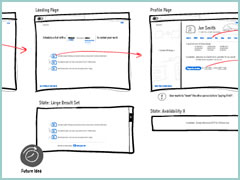
Andreas just sent in a sample of a wireflow done in Omnigraffle (here are a few more) which I thought was an interesting show. It contains a sketchy style, conditionals, and groups a set of pages together with a grey background area. Most recently, this way of working is also my personal preferred approach to communicating UI concepts. Not only does a deliverable like this convey activity more clearly, but it also provides a sense of scope in one snapshot. One problem with these wireflows which I’ve seen in the past is when the design proceeds further and more detail is required. Often in this situation I fall back and develop wireframes. This however duplicates the documentation which is undesirable from a maintenance perspective. Come to think of it, perhaps there is a way to reference occasional detailed wires, on demand, from within a wireflow diagram. Anyhow, here is what Andreas has to say:

I’ve got a combination wireframe/sitemap that I thought I’d share with you. Adequately called a WireMap. It’s a tool I started using in an attempt to get an overview of small to mid-sized web projects. (The limit is self-imposed. I like printing my work on paper and hanging it around the office. And there’s only so much information you can fit on Tabloid or A3).

Using the wiremap has been a boon both in talking to the internal team as well as taking to clients. In either case it helps the audience grasp the scope and complexity of the project. I’ve found it very helpful in the formative stage, but I see no reason why it couldn’t also be used later on in the development cycle as well.

My approach to this is the combination of wireframe sketching (for which I use Konigi’s Sketch stencil for OmniGraffle) in combination with J.J.Garrett’s IA templates (another OmniGraffle stencil). The result is very much a WireMap in that sense of the word—a site-wide visualization with some page detail (enough to provide an idea of the page’s purpose) as well as some rudimentary logic.

I’ve attached an example showing a WireMap of a mock website called CoffeeStuff. I’ve tried to keep it simple but could easily elaborate more if you think it worthwhile. Didn’t want to overwhelm the reader, but I’m keen to hear your thoughts as well. The map is by no means bulletproof, but I think it does a good job of introducing the general concept.

Credits: Andreas Holmer

Rigged Stop-Frame Paper Prototype Animations

Thursday, December 10th, 2009


Superb. Very similar to the previous post on Protocasting, here is Chris’ approach to creating quick paper prototype animations which tell stories of rich interaction. This stop-frame animation approach requires a web cam, some video editing software (Quicktime in this case) as well as a desk attached rig to ensure things are visually stable. For showing changing text, Chris uses an erasable pen and overlaid acetate on top of the desk which he calls ‘the stage’. This powerful technique, which portrays interaction seamlessly, is a critical move forward if we are to battle change blindness brought on by shuffling disrupted and disjointed screens. In his own words:

The desk is the stage, and the action is framed inside a print-out of an empty browser to give it context. I wanted it to look so simple and sketchy that nobody could possibly confuse it with a design, so I used paper, card and Post-Its to build up the scene and laid a sheet of acetate on top, which I wrote on with OHP pen. There’s a rather crude cardboard mouse-cursor and a rotating paper ‘in progress’ icon.

There are 8 animations in total, each of which illustrates part of a user journey through the form and highlights complex validation behaviour I’d found tricky to explain. I was a bit worried that the developers might think it was gimmicky, but the novelty wore off quickly and they rapidly moved on to focus on the content. Because the videos illustrated a lot of the main ideas, everyone involved was spared long, tedious meetings talking about display conditions and validation behaviour. This was a big win.

The whole process is really quick and, most importantly, fun – developers and stakeholders engage fully even with dry subject matter. Non-techies can get involved too because the animation software only has about 3 buttons. Unlike with Flex or AJAX, there’s no learning curve.

Animation is famous for taking ages, but doing animations like mine is remarkably quick providing you’re tooled up and organised. It took me about half an hour to set the scene, based on some wireframes we’d already done. Then each animation took about 15 minutes.

Credits: Chris Neale

Protocasting

Tuesday, December 8th, 2009


Here is an interesting description of a protocasting technique brought to you by Theresa Neil (which she credits to Todd Zaki Warfel’s book on Prototyping). Basically a bunch of screens are first exported into PDF, then turned into a clickable prototype, and eventually a happy path is recorded as video and annotated with audio. I think it’s great to see an approach to prototype walk throughs which alleviates the pressure on the viewers to discover the interaction by themselves (a problem present in many prototyping tools these days). Instead, the viewer is guided through time and the designer covers the intended flow as a presentation. If prototyping is partially about leading the viewer to believe that the fake product is a real one, then Theresa’s protocasting approach achieves this perfectly.

Credits: Theresa Neil

Net-Maps

Monday, November 30th, 2009


The Net-Map Toolbox is collaborative and physical tool developed by Eva Schiffer with the aim to visualize influencers in a social context. The maps generated with this approach are a snapshot of a social setting with key influencers being emphasized (raised). I found it interesting to see an attempt to capture more complex social situations with multiple people in the equation. In Alan Cooper’s book, The Inmates Are Running the Asylum, the traditional direction given was to design for a single user. Could this rule be breaking down today in light of designing for more complex contexts? Here is a description about the toolbox directly from the Net-Map website:

Net-Map is an interview-based mapping tool that helps people understand, visualize, discuss, and improve situations in which many different actors influence outcomes. By creating Influence Network Maps, individuals and groups can clarify their own view of a situation, foster discussion, and develop a strategic approach to their networking activities. More specifically, Net-Map helps players to determine

* what actors are involved in a given network,
* how they are linked,
* how influential they are, and
* what their goals are.

Credits: Eva Schiffer